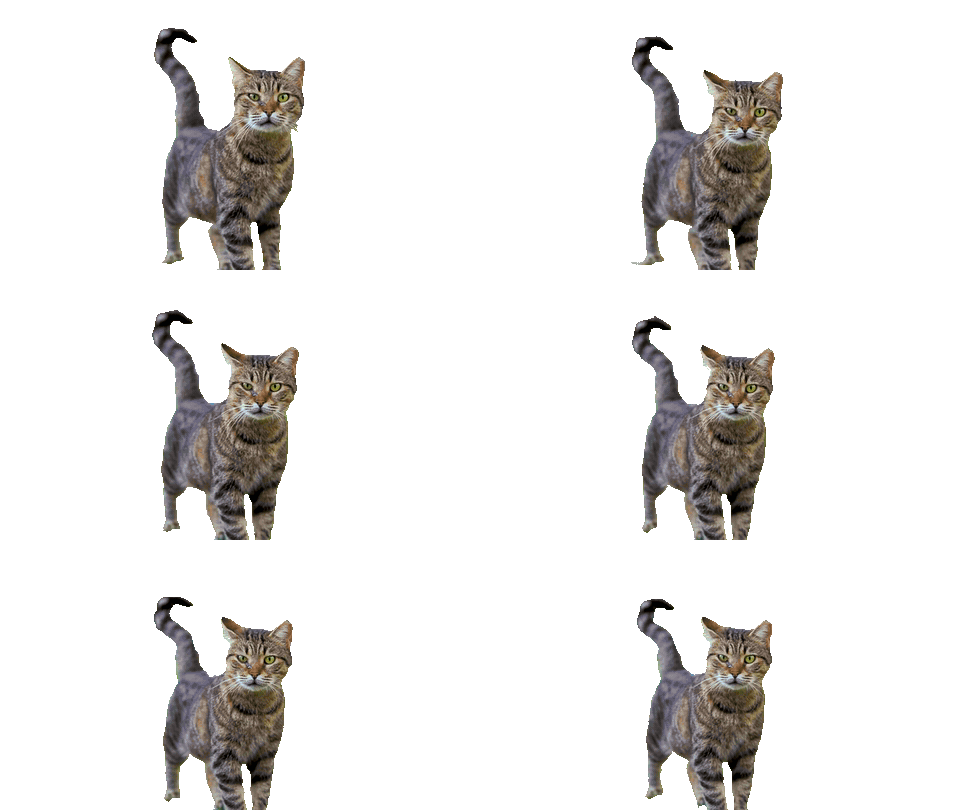
Upload an animated GIF and this tool makes its background transparent: the subject is cut out of every frame, and everything around it becomes see-through in the GIF you download. The animation, frame timing and size stay the same.
Make a GIF transparent in three steps
- Choose your GIF with the box above, or drag it in.
- Wait for the frames to process. About two seconds per frame on a recent laptop. The first run also downloads the model once.
- Download the transparent GIF. Before you do, you can fine-tune the edge with the sliders described below.
How transparency works in a GIF
It helps to know what the GIF format can and cannot do, because it explains nearly every problem people run into with transparent GIFs.
A GIF stores each frame as a grid of numbers that point into a colour table of up to 256 colours. One entry in that table can be marked as "transparent", and any pixel using it is simply not drawn. That is the whole mechanism.
It means there is no partial transparency in a GIF. PNG and WebP can store a pixel as, say, 40% opaque, which is how a photo of hair or a soft shadow blends smoothly into whatever is behind it. In a GIF, every pixel is either fully drawn or not drawn at all.
The background remover itself produces a soft edge — a gradual change from subject to background over a few pixels. To write a GIF, the tool has to turn that gradient into a hard line. Where it draws the line is controlled by the Transparency cut-off slider:
- Higher — only pixels that are clearly part of the subject are kept. The outline is tighter and you lose less of the old background, but very fine detail such as wisps of hair can disappear.
- Lower — more of the soft edge is kept. Fine detail survives, but more pixels that are partly background stay in, which can look like a fringe.
The default sits in the middle and suits most GIFs.
Avoiding halos on light and dark pages
A transparent GIF made from a photo with a white background often shows a thin light outline when placed on a dark page, and the reverse for a dark original on a light page. Those are edge pixels that were kept but still carry some of the old background's colour.
There are two ways to deal with it:
- Raise the cut-off until the outline disappears against the background you care about. Check the preview over the checkerboard as you go.
- Don't use transparency. If you know where the GIF will be shown — a website with a dark theme, a slide with a white background — choose that colour as the background instead. The soft edge is then blended into the right colour before the GIF is written, which looks smoother than any transparent GIF can.
The Edge slider also helps. Moving it right makes the boundary sharper, which reduces fringing and keeps the outline steadier from frame to frame.
Where transparent GIFs are used
- Chat and social reactions — Discord, Slack, Telegram and most forums show GIF transparency, so a cut-out reaction sits directly on the conversation instead of in a box.
- Stickers and overlays — for streaming overlays and video edits, a transparent GIF or a green-background version for chroma keying.
- Websites and emails — animated logos and icons that need to sit on coloured backgrounds. Email clients in particular still rely on GIF for animation.
Checking that it worked
Some image viewers and operating systems show transparent areas as white, which makes a perfectly good transparent GIF look as if nothing happened. Drop the file onto a coloured background — a dark chat window, a coloured slide — to see the real result. The preview on this page uses a checkerboard for the same reason.
Privacy and limits
The transparent GIF is made in your browser; your file is not uploaded and the tool has no usage limit. It needs WebGPU, which recent Chrome and Edge on a computer have. On a device without it, the page offers to process the GIF on our server, only if you agree. That route is limited to three GIFs a day and files under 10 MB, and the GIF is deleted within an hour.
GIFs can have up to 60 frames. For still images, the image editor exports a PNG, which does support partial transparency and is the better format whenever the image does not need to move.
Related
- Remove background from GIF — tips for difficult animations, such as low contrast and several subjects.
- GIF background remover — the main tool.